Simply Adding Data
GoSwim5 days ago • 2:46
Description
How fast can you actually collect full Pro Data from a race video? Watch it happen in real time.
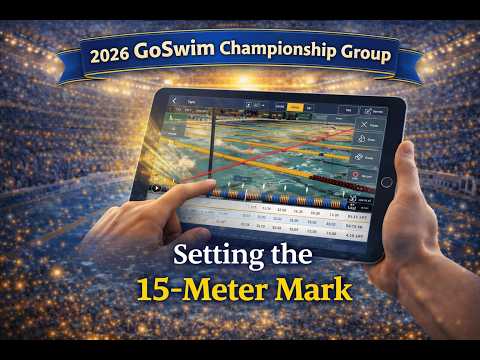
Skip the lengthy explanation — this video shows just how quick and efficient the Go Swim app data entry process really is. Using the same 100 breaststroke race from the previous tutorial, Glenn Mills runs through the entire workflow on iPad in Pro Data mode: tracking strokes and turns live, finalizing the data, setting the 15-meter marks for each lap, and dialing in underwater velocity — all in just a couple of minutes.
Once you've done it a few times, it becomes second nature. Whether you're watching a race live at the meet or reviewing imported footage at home, the process is the same — and it's fast. A complete Pro Data set including 15-meter splits, underwater velocity, tempo, distance per cycle, and lap times, all ready to go before you've had time to put your phone away.
This is the follow-up to our full Import & Add Data tutorial. If you haven't seen that one yet, check it out first for the step-by-step breakdown.
🏊 Subscribe for more Go Swim app tutorials, swimming tips, and coaching insights.
#GoSwim #SwimCoach #SwimmingApp #RaceAnalysis #SwimData #ProData #SwimmingTips #SwimFast #AgeGroupSwimming #SwimTech
•
•
•
•
•
•
•
•